
Challenges
A customer team that has outgrown its phones
Your team takes more calls than the phones were set up for. Queues, the caller's record on screen, recording and reporting put that right, on Mitel MiContact Center or inside Microsoft Teams.
The challenge
Your customer team has grown, but the phones were set up when it was a few people. Calls queue in the wrong place, team leaders cannot see waiting times or missed calls, and agents ask callers who they are because the CRM sits apart from the phone. When a customer disputes what was said, it comes down to memory.
If it is left
The team leader finds out about a bad afternoon from the complaints the next day, and cannot prove it was a staffing problem rather than a people problem. Callers who are asked for their account number twice stop calling and start emailing, which is slower for everyone. A dispute about an order or an instruction given by phone is settled by whoever sounds more certain. And because nobody can see the numbers, the case for another agent, or for better routing, is never made.
What good looks like
Calls routed to the right agent in the right order, with announcements and callbacks when the team is busy; the caller's record from your CRM on screen as the call arrives, logged against it afterwards; calls recorded by rule into encrypted storage with access controlled; and dashboards that show team leaders volumes, waiting times and missed calls as they happen, so the case for staffing and training rests on numbers.
What to do first
Before you call anyone
Count the missed calls for a week
Ring your own main number from a mobile at lunchtime and at 4.45. Ask the phone system, if it can, how many calls rang out or hung up in a week. The number is usually a surprise, and it is the business case.
Write down how calls should reach the team
Who answers what, in what order, and what a caller should hear when everyone is busy. Most routing problems come from decisions nobody made.
Ask the agents what they ask callers
If the first question is always 'can I take your account number', the CRM and the phone are not talking, and that is the integration to fix first.
Decide the recording policy
Which calls, who may listen, how long recordings are kept and why. Callers must be told, access must be controlled, and your data protection adviser should see the policy.
Check the phone system's platform
A team on Mitel MiVoice Business or on Microsoft Teams has a contact centre option built for it; a team on something else may need the phone system decided first.
What we would do first
-
Plan how calls reach your team
Call flows, queues and routing planned with your team, so each call is sent to the right agent.
-
Connect the phones to your CRM
Computer telephony integration connected to your customer or CRM system, so agents see who is calling and their history before they answer.
-
Record calls, with access controlled
Calls recorded by rule, user or line, in encrypted storage with access limited to authorised people and a retention period you set.
-
Give team leaders the numbers
Dashboards and reports on call volumes, waiting times, missed calls and agent performance.
How we approach it
-
Map how calls reach the team
Who calls, why, how often and when; which agents can handle what; what happens at the busy times and out of hours. The design starts with the team leaders.
-
Choose the platform
Mitel MiContact Center for a team on Mitel MiVoice Business or wanting voice, email and web chat in one queue; a contact centre inside Microsoft Teams with Microsoft Dynamics integration for a team already in Teams and Dynamics all day.
-
Design the routing and the screen
Queues, skills, announcements, callbacks and overflow agreed and documented, and the CRM fields that should appear on screen chosen with the agents who will use them.
-
Integrate, record and build the dashboards
Computer telephony integration connected to your CRM and tested with real records; recording by rule, user or line into encrypted storage with the retention you set; dashboards built for the team leaders.
-
Train, go live and tune
Agents and team leaders trained on site, the new routing switched on at a quiet time with our engineers present, and the first weeks' reports read with you so the queues are adjusted to what callers actually do.
The services that apply
-
Contact centre and CTI
The queues, skills-based routing, the caller's record on screen and the team leaders' dashboards are this service, on Mitel MiContact Center or inside Teams.
-
Call reporting and recording
The encrypted recordings that settle a dispute and the reports on answer times and missed calls that make the staffing case.
-
Mitel MiVoice Business
The phone system most of our contact centre clients run on, with presence, automatic call distribution and MiContact Center built for it; PD Ports runs encrypted recording across its sites on it.
-
Microsoft Teams
For a team already in Teams and Dynamics all day, the contact centre lives inside Teams and the calls reach it through Teams calling on your existing numbers.
-
Hosted voice and SIP
For a small team that needs hunt groups and call queues rather than a full contact centre, hosted voice may be enough, and we will say so.
How you would buy it
Every hour we work falls under one of four engagement models. These are the ones that fit this situation; How we work compares all four.
-
02
Fixed price
A defined piece of work or project
The design, integration, build and training are surveyed and priced as a fixed sum before we start, with a project manager where the team spans sites, and the per-agent charge is then monthly.
-
03
Retainer
The way most of our clients work with us
Changes to queues, skills, agents and announcements, and support calls, are pre-authorised within your retained hours afterwards, and supervisors are trained to make day-to-day changes themselves.
Who you would work with
A tech consultant
Maps how calls reach the team with your team leaders, designs the routing and the screen, and reads the first weeks' reports with you.
A project manager
Owns the build, the CRM integration with its vendor and the go-live date.
Our telephony engineers
Build the queues, connect the CTI, configure recording and train the agents and supervisors on site, as Odyssey employees.
A client who has been here
-
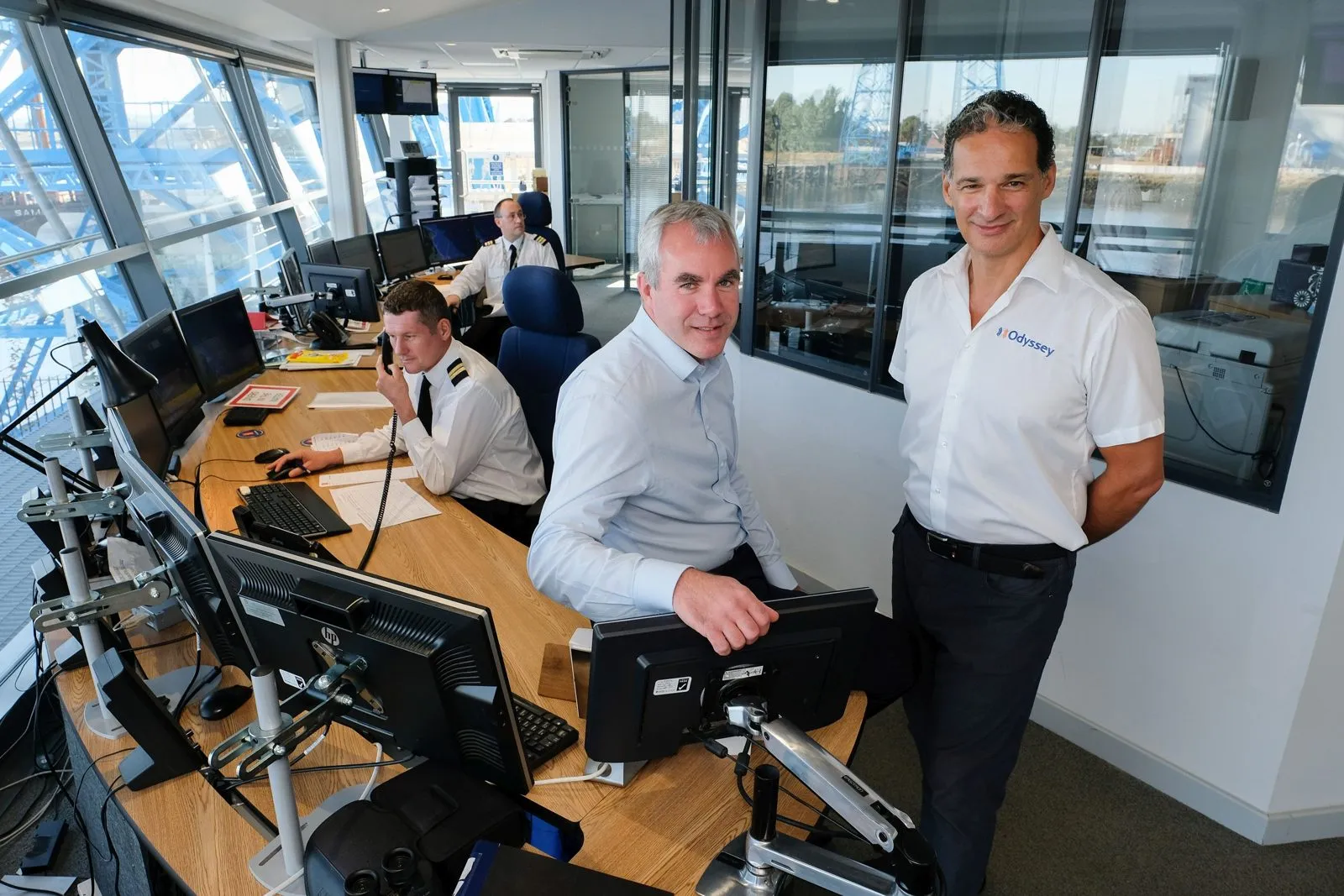
Client story, Logistics and ports
PD Ports
A two-year overhaul replaced several telephony suppliers with one Mitel MiVoice Business system across PD Ports' sites.
Read the story →
Questions people ask
Which contact centre platforms do you work with?
Mitel MiContact Center for multi-channel contact centres on Mitel MiVoice Business, and contact centres in Microsoft Teams with Microsoft Dynamics integration. Tell us what you use and we will confirm which fits.
Is this only for large call centres?
No. A team of five on an order line or a practice reception has the same problems at a smaller scale, and sometimes hosted voice with hunt groups and queues is enough. We size the design to the team and say so when the full contact centre is not needed.
What is computer telephony integration?
CTI connects your phone system to your customer data, so when a call arrives the agent sees who is calling and their history on screen, and the call is logged against the record afterwards.
Can CTI work with the CRM we already use?
Usually, yes. We integrate with the customer or CRM system you run and confirm the integration is supported with its vendor before we quote.
Is call recording allowed under GDPR?
Yes, with safeguards. Recordings must be stored securely, access limited to authorised people, callers told that calls may be recorded, and recordings kept only as long as there is a reason to. We set recording up with those controls, and we are certified to ISO 27001.
Can team leaders see waiting times and missed calls?
Yes. Real-time dashboards show calls waiting, waiting times, abandoned calls and who is on a call, and scheduled reports show volumes and agent performance, which is the evidence for a staffing decision.
Can we offer callbacks instead of making people wait?
Yes. Queues can offer a callback when the wait is long, play announcements with the position in the queue, and overflow to another team or to voicemail out of hours, all agreed in the design.
Who looks after it once it is running?
Our own engineers, never subcontracted, answered within three rings. Supervisors are trained to make day-to-day changes to queues and routing themselves, and anything larger goes to our service desk.
Talk to a human about your customer team's phones
Call and we answer within three rings. Or tell us what you need and we will call you back at any time.